
Updated July 31st, 2026
Starting radiology residency is exciting. You finally made it through medical school, you know your anatomy, you can read an ECG (sometimes?), and now you finally get to look at actual images all day. I love to think back to this time. What you probably don’t know yet is what you actually need to bring to your work(station) to function well. I get this question more often than you might think, so here is my honest answer.
The short version: Your hospital/program provides everything you need – don’t bring anything.
The longer version is what this article is about. 🙂
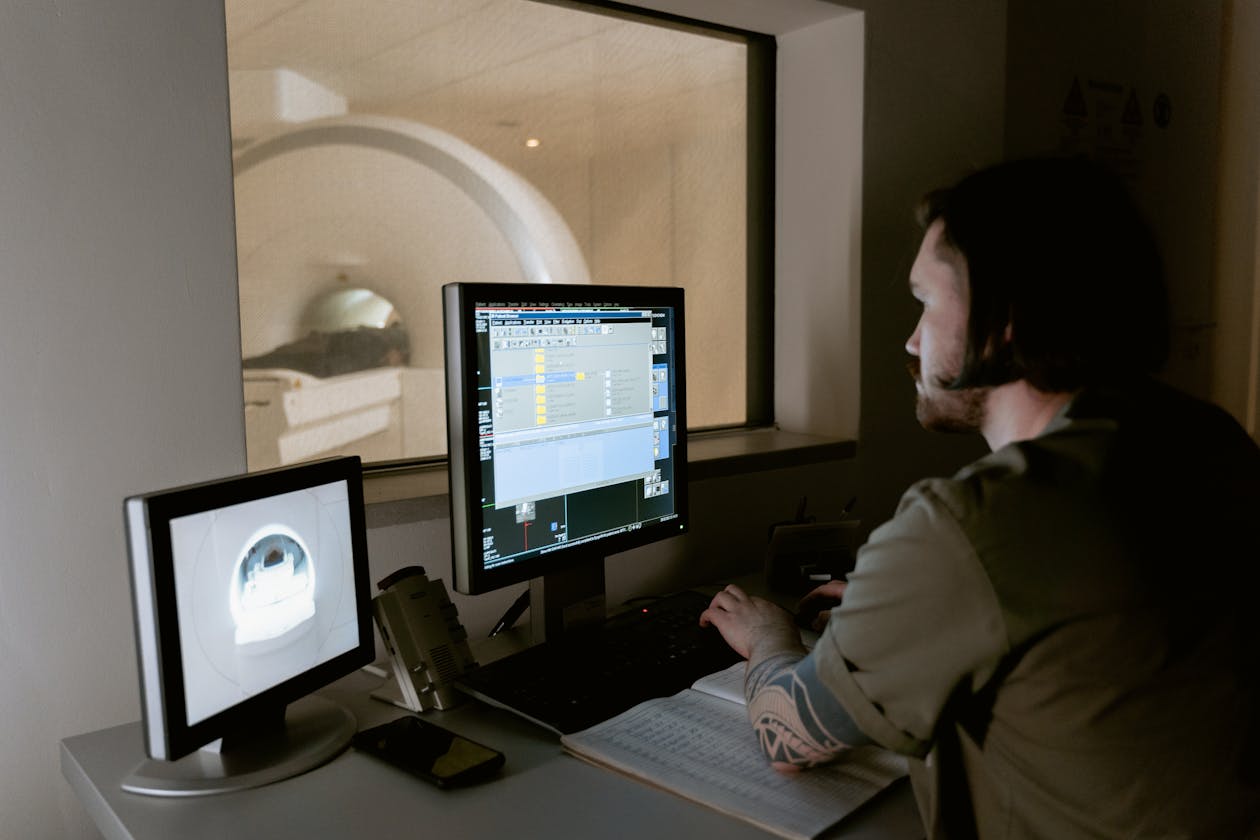
What Your Program Will Provide
Let’s get this out of the way first. In virtually every residency program, the following will be waiting for you on day one:
- PACS workstation with dedicated diagnostic monitors (properly calibrated, not the screens from the secretary’s office)
- Speech recognition system, whether that’s Dragon Medical, Speechmagic, or a local equivalent
- Mouse and keyboard, standard issue
- RIS access, worklists, report templates, the whole infrastructure
So technically, you can walk in on day one with nothing and do your job. This article is not about what you need to function. It’s about what helps you function significantly better, especially during the high-volume on-call shifts where every minute counts.
The Mouse: Worth Every Cent
The hospital mouse will do the job. It just won’t do it for you.
A standard two-button optical mouse was designed for general computer use. Radiology is not general computer use. You are scrolling through 600-slice CT datasets, switching between bone and soft tissue windows, placing measurements, navigating series, and doing all of this several hundred times a day. A programmable mouse with multiple customizable buttons and a free-spin scroll wheel is one of the highest-return investments I made during residency.
I mapped window presets, measurements, report templates, and series navigation onto individual buttons. The scroll wheel on the Logitech MX Master series spins freely at high speed, which is genuinely transformative for CT reading. Not exaggerating. It sounds like a small thing. It isn’t.
If you only buy one thing, buy this. And then program it properly before you start.
Further reading: The Best Mouse for Radiologists
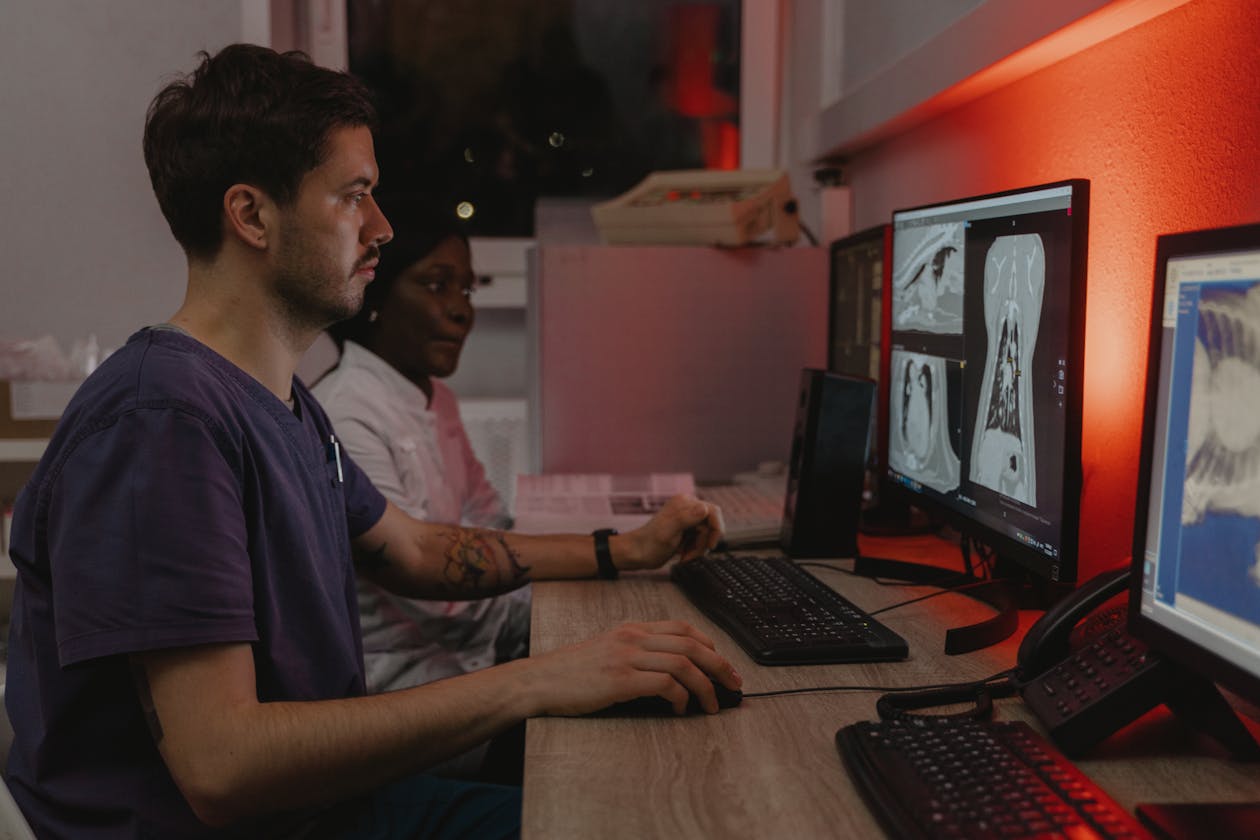
Dictation: What’s Provided Is Usually Fine. Until It Isn’t.
Every department has a dictation setup. What they often can’t guarantee is that it’s good. Shared headsets of uncertain age, desk microphones that have been dropped approximately 300 times, dictation handsets with sticky buttons. It all works. Speech recognition accuracy is passable.
But passable means more corrections, which means slower reports. If you dictate a lot (and you will), a personal high-quality microphone makes a noticeable difference. The Philips SpeechMike series is what many radiologists use long-term, and for good reason. Clean signal, dedicated dictation buttons, solid build quality.
There is also a wireless option worth considering. If you are doing on-call work, moving between rooms, or simply hate being tethered to a desk for eight hours, a wireless dictation headset gives you real mobility. I tried it, kept it. Some colleagues thought it looked ridiculous. Those colleagues are still wrestling with their cables.
- For wired options: The Best Dictation Microphone for Radiologists
- For wireless: The Best Wireless Dictation Headsets
Lead Glasses: Non-Negotiable If You Do Interventional
This section only applies if you rotate through interventional radiology, angiography, or fluoroscopy-guided procedures. If your program is purely diagnostic, you can skip ahead.
For everyone else: the radiation dose to your eye lens is cumulative, and radiation-induced cataract is a real, documented, and dose-dependent risk. Lead aprons and thyroid shields are provided by the department. Lead glasses, unfortunately, are often shared, ill-fitting, or simply not available in the right size.
A personal pair of leaded glasses with 0.75mm lead equivalency is a reasonable and relatively affordable investment. In Germany, the occupational eye lens limit is 15 mSv per year. Worth protecting.
Further reading: Best Lead Glasses for Radiology
The Keyboard: Later Priority, Still Worth It
The department keyboard gets the job done. It is also probably shared, probably a bit sticky in one corner, and almost certainly not programmable.
A programmable keyboard lets you map additional shortcuts, macros, and report commands beyond what your mouse handles. This becomes more relevant once you actually know what shortcuts you use regularly, which takes a few months of residency to figure out. So this is not a day-one purchase. But once you know your workflow, it’s a worthwhile upgrade.
Further reading: The Best Keyboard for Radiologists
Laptop and Tablet: Useful, But Situational
These are genuinely optional for most residents.
A laptop becomes relevant when you start doing home call, teleradiology shifts, or any kind of hybrid work. For in-hospital reading, the dedicated workstations are better than anything you’d bring from home. But if you’re doing on-call from a second location, a solid laptop with the right software matters.
Further reading: The Best Laptop for Radiologists
A tablet is not a PACS replacement. Let’s be very clear about that. Diagnostic reading requires calibrated monitors and proper software. But as a reference screen at the workstation, for teaching rounds, or for annotation during presentations, a tablet earns its place. Not essential in year one.
Further reading: The Best Tablet for Radiologists
What to Buy First: A Practical Priority List
If budget matters (during residency it always does), here is a realistic sequence:
- Programmable mouse with free-spin scroll wheel. Immediate, daily impact. Highest return on investment of anything on this list.
- Personal dictation microphone, especially if you do a lot of dictation or on-call work. Wired is fine to start; go wireless if mobility matters to you.
- Lead glasses, if interventional radiology is part of your rotation. Non-negotiable in that case.
- Keyboard, once you know your workflow well enough to actually program it. Usually a second-year decision.
- Laptop and tablet, if and when your situation calls for it.
The Bottom Line
Your program gives you everything you need. What you bring yourself is not about compensating for anything. It is about tailoring your setup to how you specifically work. The upgrades that made the biggest difference for me were the ones that removed friction from tasks I was doing hundreds of times a day. A mouse that fits your hand and your workflow. A microphone that captures your voice cleanly. Glasses that protect your eyes without making you think about it.
Start small. One good programmable mouse. See how much faster your workflow becomes. Then go from there.
Happy reporting!
Further reading:
How to Set Up the Best Teleradiology Workstation
7 Important Tips for Radiology Residents
A Typical Workday in the Life of a Radiologist
Some links on this site are affiliate links. If you choose to buy a product using these links, I might get a small commission. This does not affect the price for you and does not influence which products are recommended.
Two items that never make the standard kit list but get used constantly: a VR headset, which has stopped being a gimmick for anatomy and interventional rehearsal, and ultrasound gel, where the difference between the cheap and the decent product is more noticeable than anyone expects.

One thought on “What Equipment Do Radiology Residents Actually Need?”