
Updated January 2nd, 2026
As a diagnostic radiologist, you look at images. In recent years, working from home or other locations as a teleradiologist has become more common. Therefore, the modern radiologist needs to be able to be flexible and work in various settings. The most important tool of a flexible teleradiologist is the radiologist’s laptop. Large and heavy workstations are increasingly taking a back seat. This is because they are static and inflexible. A radiologist has great demands on a good laptop as there are several important features to be considered. Therefore, in this article we will therefore discuss how the best laptop for radiologists needs to be equipped and what features are essential.

Also read: How to set up the best teleradiology workstation.
The Best Laptop for Radiologists – The Top Mobile Workstations
1. Razer Blade 18 (2024)
Best Overall

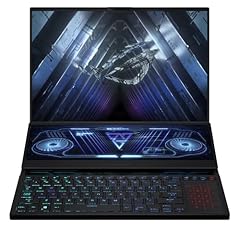
2. ASUS ROG Zephyrus Duo 16
The Duo-Display
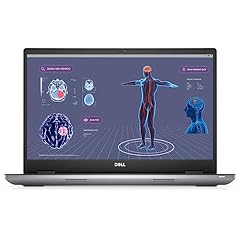
3. Dell Precision 7780
Best Compact Design
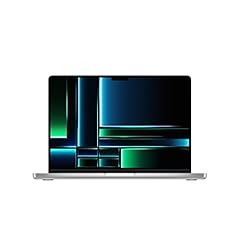
4. Apple 2023 MacBook Pro
Best Display Contrast
5. Lenovo ThinkPad P16
Best ThinkPad

What are the Key Features of the Best Laptop for Radiologists and Teleradiology
A diagnostic radiologist has some of the hightest technical demands on his or her laptop. Therefore, there are several features to be considered that enable pleasant and seamless working.
Radiologists are often used to high-end statuary workstations. However, many basic laptops will start to sweat under the heavy load of large image series or cannot even display them adequately. Especially, if you are looking at thin-sliced three-dimensional data and are live performing 3D-reconstructions, you will need some serious computing power in your radiological laptop.
Considering this, the best laptop for radiologists combines portability with powerful computing performance and an excellent display. The key features of the best radiology laptop are:
- Display Quality and Size
- Processor and RAM
- Graphics Card
- Connectivity
- Battery Life
- Portability
- Security
In this section, we will have a detailed look at each of these key features for the best laptop for radiologists in 2023:
1. Display Quality and Size
A radiologist is looking at images. So your laptop display is the gateway to a comfortable and productive radiology experience. While there is no fixed threshold, an orientation can be that the display should be at least have a size of 15 inches or larger.
A high-quality, high-resolution display is also required for optimal visualization of small structures. Therefore, the display resolution should be at least 1920 x 1080 (1080p, FullHD). Naturally, this also is a very personal choice and depending on personal preferences and regulations of the country you work in, you might need an additional certified diagnostic monitor.
2. Processor and RAM
Computing power is essential for running medical imaging software smoothly. So a radiologist’s laptop needs to be equipped with a powerful processor and a sufficient amount of random access memory (RAM). The laptops featured in this article all come with strong processors. If you are looking at other modes, compare the number of cores, threads and clock speed (in GHz). For RAM, the best laptop for radiologists has to have at least 8 GB, preferably 16 GB DDR4 or more.
3. Graphics Card
As a radiologist, you need to view multiple large data sets such as MRI and CT series. You may even might want to create your own multiplanar reconstructions or even use 3D-reconstructions, curved planar reformatting (CPR), or volume rendering techniques (VRT).
Furthermore, many modern PACS software have implemented AI tools for detection of diseases (e.g., lung nodules, fractures) or secondary analyses. These also often run on your graphics processing unit (GPU) rather than on your central processing unit (CPU). Therefore, you need to make sure that the laptop you use has not only a dedicated graphics card (many basic laptops just come with only an onboard GPU), but also a powerful one with at least 4 GB of graphics memory.
4. Connectivity
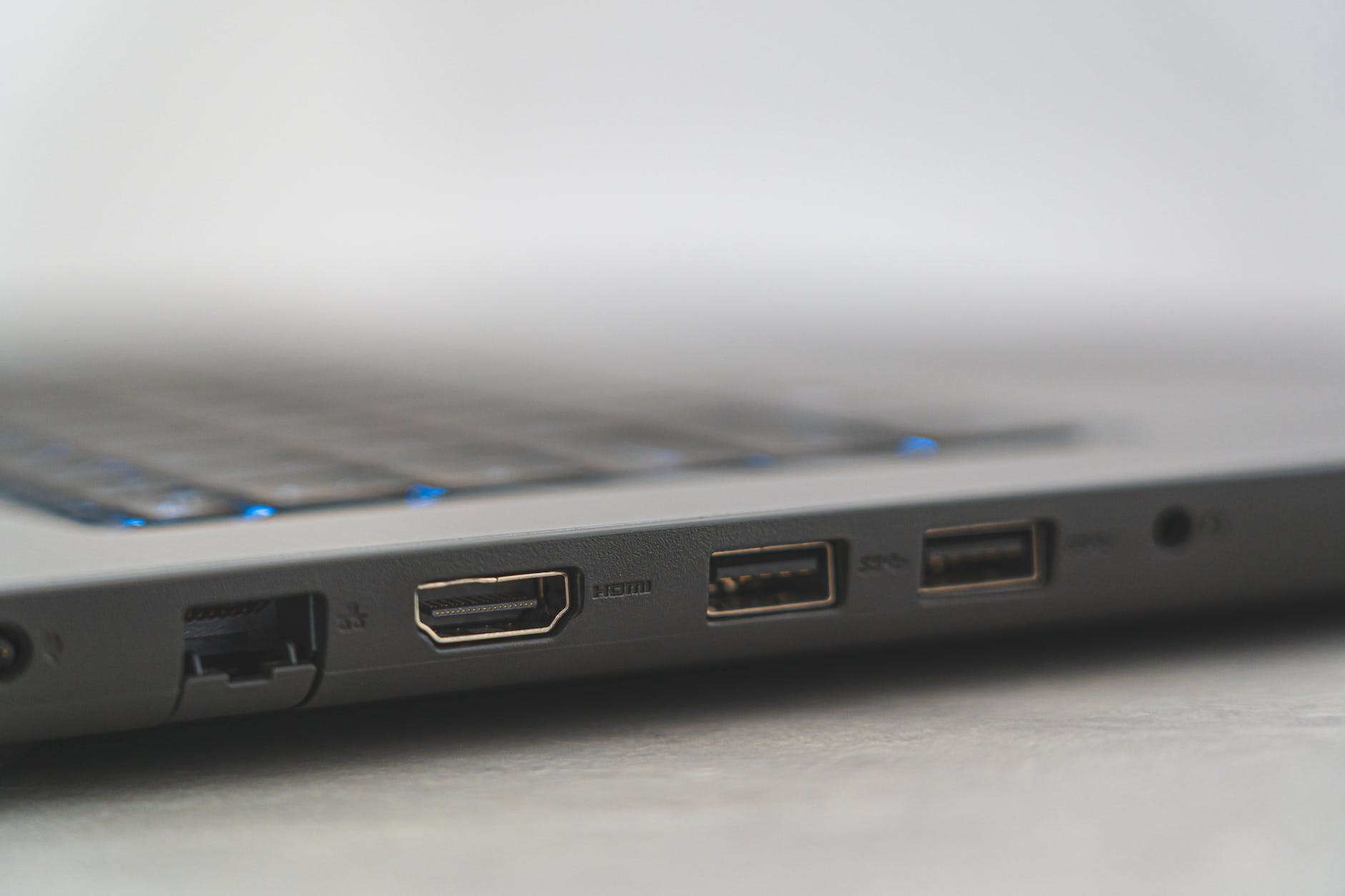
To reliably read medical images, you need to be connected wherever you are. Your connection can be wirelessl, using modern WiFi standards or wired using an Ethernet cable. Furthermore, you also want to connect all of your equipment, such as your mouse, microphone, or VR headset, using appropriate adequate standards. Maybe you even want to connect a diagnostic monitor, which uses a display port. Therefore, look for laptops with a variety of connectivity options, such as USB-C, HDMI (display port) or Ethernet ports.
5. Battery Life
Battery life is critical if you plan to work in flexible locations and not always near a power outlet. A good battery enables working remotely, in different rooms of your house or even outside or while traveling. Please note that many powerful laptops can only significantly extend battery life using battery saving mode. In this mode, many applications may run significantly slower because the CPU and/or GPU processing speed is throttled.
6. Portability
Let’s face it, good hardware is not only expensive, it’s also heavy. The weight of a laptop often correlates with its display size. So if you need to carry it around in your backpack or briefcase, weight is the main consideration.
However, if you only plan on moving your mobile workstation from time to time, a large display option (which will be slightly heavier) will be your best bet. Maybe you´re also a medical blogger and like to take your laptop with you. In that case, I suggest to get another laptop or a radiology-suited tablet.
7. Security
As a radiologist, you work with sensitive medical information. And as you know, data protection and privacy are key issues in our modern times. So you need to make sure that your mobile radiology workstation has robust security features such as a fingerprint sensor or facial recognition, encryption and password protection.
However, in most cases, a sufficiently strong password combined with secure data connections will also do the trick. Additionaly, you may consider using a virtual private network (VPN) suited for radiologists and other medical professionals.
The Best Laptop for Radiologists – Going into the Details
Specifications
- Display size: 18″ 4K UHD+ 200Hz
- Processor: Intel Core i9-14900HX
- RAM: 32GB or 64GB 5600MHZ RAM
- Graphics card: 16 GB NVIDIA GeForce RTX 4090
- Connections: 4 x USB 3.0 Ports
- 2 TB SSD
Pros
- Very powerful notebook that can handle every task a radiologist may require
- Smaller display with 16″ option as the Razer Blade 16
Cons
- Expensive
- Heavy (5.4 lbs, 2.4 kg)
Specifications
- Display size: 16″ 165Hz ROG Nebula HDR QHD 16:10
- Dual screen with 14.1″ integreted touchscreen
- Processor: AMD Ryzen 9 6900HX
- RAM: 32GB DDR5
- Graphics card: 16 GB NVIDIA GeForce RTX 4090
- Connections: 2 USB 3.0 ports, WiFi6E certified
Pros
- Dual screen that enables multi-image viewing
- Unique next-gen look with dual displays
- ROG Nebula Display HDR with peak brightness (1100 nits)
Cons
- Good value for money but still expensive.
Specifications
- Display size: 17 inch FHD (1920 x 1080) Wide View Angle Anti-Glare 60Hz 500-nits 99% DCI-P3
- Processor: Intel Core i12th Generation i7-12850HX Processor
- RAM: 128GB (1X128GB) 3600MHz DDR5
- Graphics card: NVIDIA RTX 2000 ADA 8GB GDDR6
Pros
- Large 17″ display
- 1TB SSD
- Powerful and compact
- High quality and sturdy finish
Cons
- No fingerprint reader
- Compact design but somewhat heavy
4. Apple 2023 MacBook Pro M2
Specifications
- Display size: 14.2″ Liquid Retina XDR (up to 16.2″)
- Processor: up to 12 CPU cores
- RAM: up to 32 GB (M2) or up to 96 GB (M2 max)
- Graphics card: up to 19 (M2) or up to 39 GPU cores (M2 max)
- Connections: 3 x Thunderbolt 4 ports, SDXC card slot, HDMI port, headphone jack
Pros
- Very mobile due to its light weight
- Ultra-high quality display with 1000 nits brightness and 1,000,000:1 contrast ratio
- WiFi 6E enabled
- Touch ID
Cons
- Potentially limited compatibility with different soft- and hardware
- May be difficult to get used to if you used Windows before
Specifications
- Display size: 16″ display with 2560 x 1600 resolution
- Processor: Intel Core i7 12th Gen i7-12800HX Hexadeca-core (16 Core) 2 GHz
- RAM: 32 GB DDR5
- Graphics card: NVIDIA RTX A2000, 8 GB
- Connections: 2 USB 3.2 Ports, 2 Type-C USB 4.0, 1 x USB Type-C (to dGPU for VR HMD)
- 1 TB SSD
Pros
- Large high-quality display
- Lenovo high-quality keyboard and touchpad
Cons
- No LAN port
- Display only 60 Hz
What is the Perfect Laptop for Radiologists?
Now which is the best notebook for radiologists? In conclusion, there are several features and many options to consider when looking for a laptop for radiologists. If you are a tech enthusiast like me, you will put more emphasis on a powerful CPU and GPU. This will ensure that any task you throw at your machine will run smoothly.
However, this may come with limited flexibility. Although, you will still be able to work from different locations, you may not be carrying it around with you all the time. More lightweight options often come with slightly less computing power. However, this will still be sufficient for viewing images.

Balancing Mobility and Computing Power
Finally, it needs to be said that all machines presented in this overview are capable of very demanding viewing and secondary image reconstructions.
The high-end machines presented at the beginning might need to be considered if you have additional tasks such as high-quality virtual rendering or demanding machine-learning algorithms to perform.
For instance, maybe you also want to radiological research on your mobile workstation and need to compute segmentations or train and execute various algorithms. In that case, every core/GHz of your CPU and GB of your GPU can save you some of your precious time.
Final Thoughts on the Best Laptop For Radiologists
As somebody that has very high demands on his machine (mostly for 3D viewing/rendering and AI research applications – which is why I love radiology), I will always prefer computation power over mobility. Therefore, I choose a second more mobile laptop for less demanding tasks. I really love my P16, but I have an additional T15 G2 with me all the time (for other tasks), since its a lot lighter.
However, your situation might be very different from mine. I hope that the overview and explanation of the necessary features in this article can help you to find the right choice for your specific demands.
Happy reporting!
Some links on this site are affiliate links (*). If you choose to buy a product using these links, I might get a commision for this purchase. For you, this does not change the price.
